


MUNBYN
MUNBYN Portable Scanner
Photo Scanner for A4 Documents Pictures Pages Texts in 900 Dpi • Flat Scanning • Include 16G SD Card • Wand Document Reader Uploads Images to Computer Via USB Cable • No Driver
SKU: K-101559
336
In stock
Ask about this product on WhatsApp- Cash on Delivery
- 14-day returns
- Warranty handled by Kherajani
Questions about this product? · info@kherajanicomputers.com
MUNBYN Portable Scanner, Photo Scanner for A4 Documents Pictures Pages Texts in 900 Dpi, Flat Scanning, Include 16G SD Card, Wand Document Reader Uploads Images to Computer Via USB Cable, No Driver
Overview
About this item【Easy to Carry--Portable Scanner】Length: 9.5 in = 1.5 pens. Weight: 0.66 lbs = An apple. Carry way: Small bag. Power Source: a pair of AA batteries (NEED TO BUY EXTRA). Support scanning up to A4 size.【Easy to Scan--Handheld Scan】Portable Scanner scans your photos, documents, and book... Read more
Overview
MUNBYN Portable Scanner
About this item
- 【Easy to Carry--Portable Scanner】Length: 9.5 in = 1.5 pens. Weight: 0.66 lbs = An apple. Carry way: Small bag. Power Source: a pair of AA batteries (NEED TO BUY EXTRA). Support scanning up to A4 size.
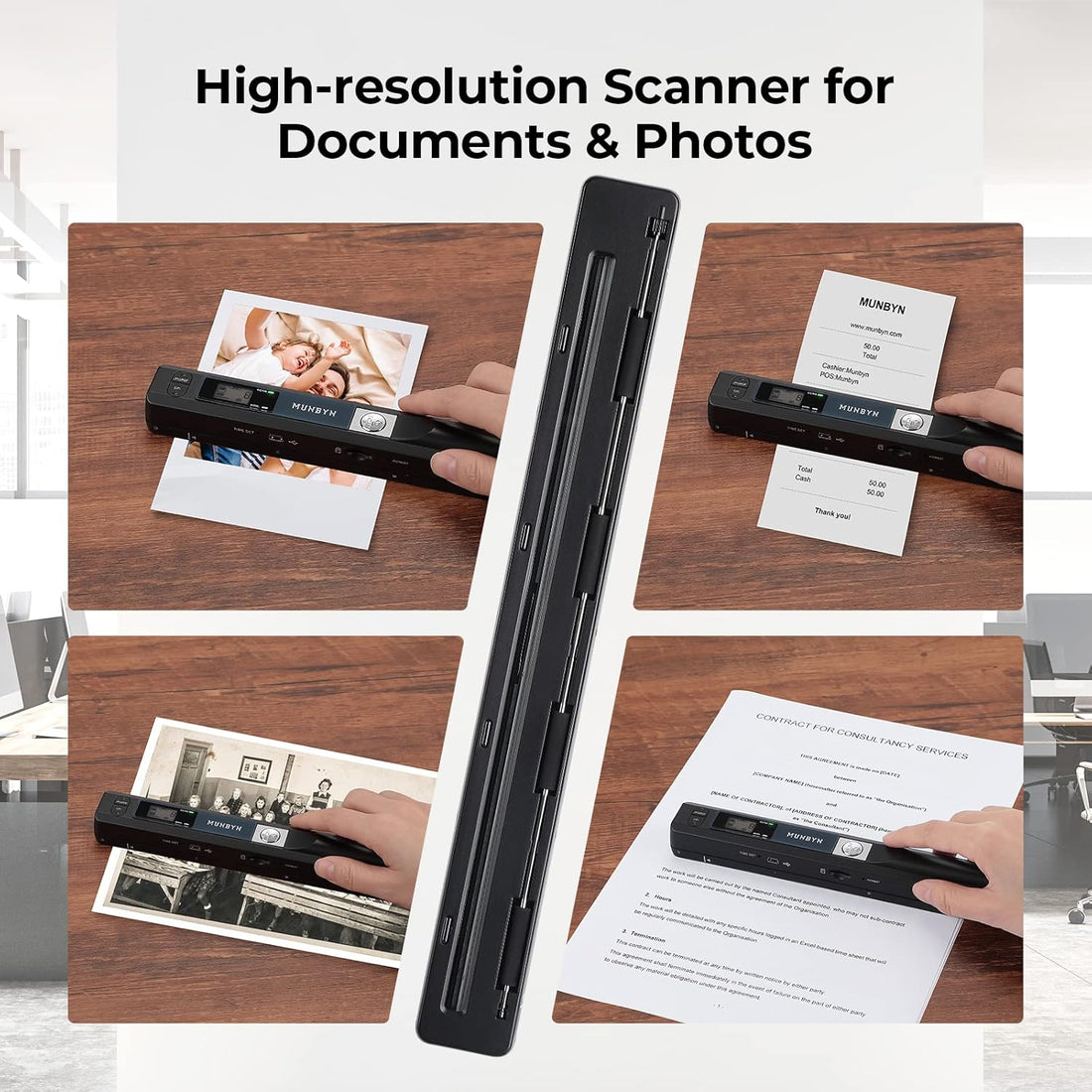
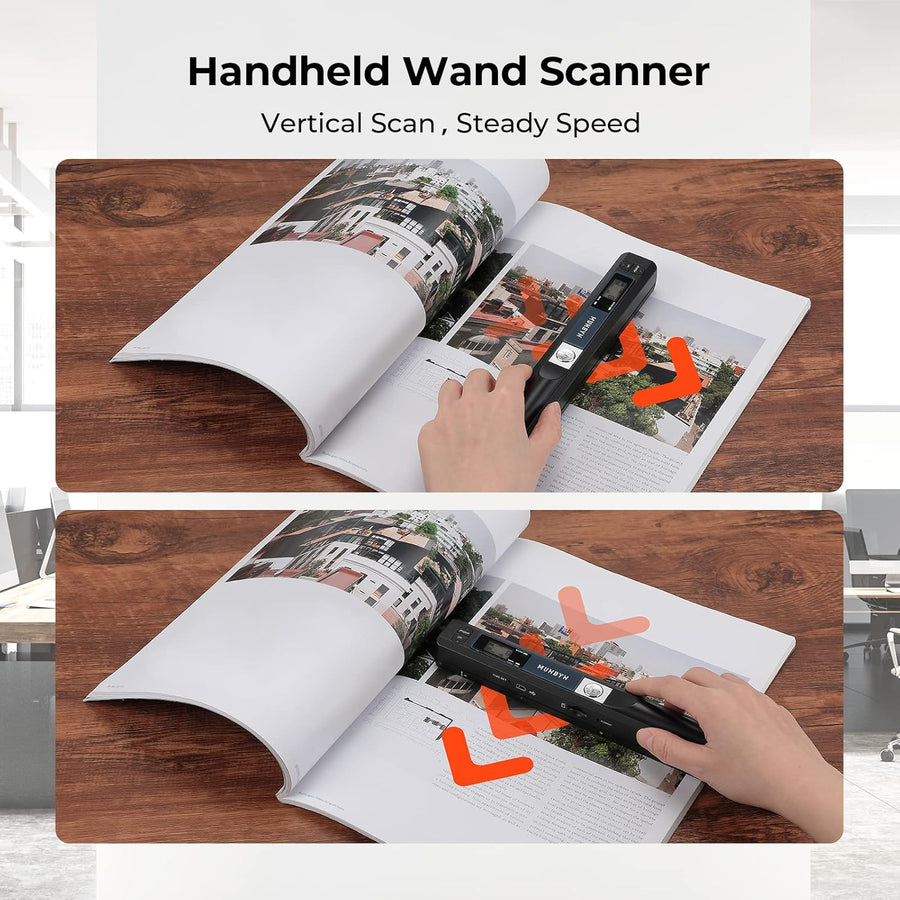
- 【Easy to Scan--Handheld Scan】Portable Scanner scans your photos, documents, and book pages in 3-5 seconds on 900 dpi resolution independently. Easy to use once you take a tiny bit of time to get the hang of this portable scanner. Compared to the feeding scanner, the wand scanner will not fold or damage old photos during scanning.
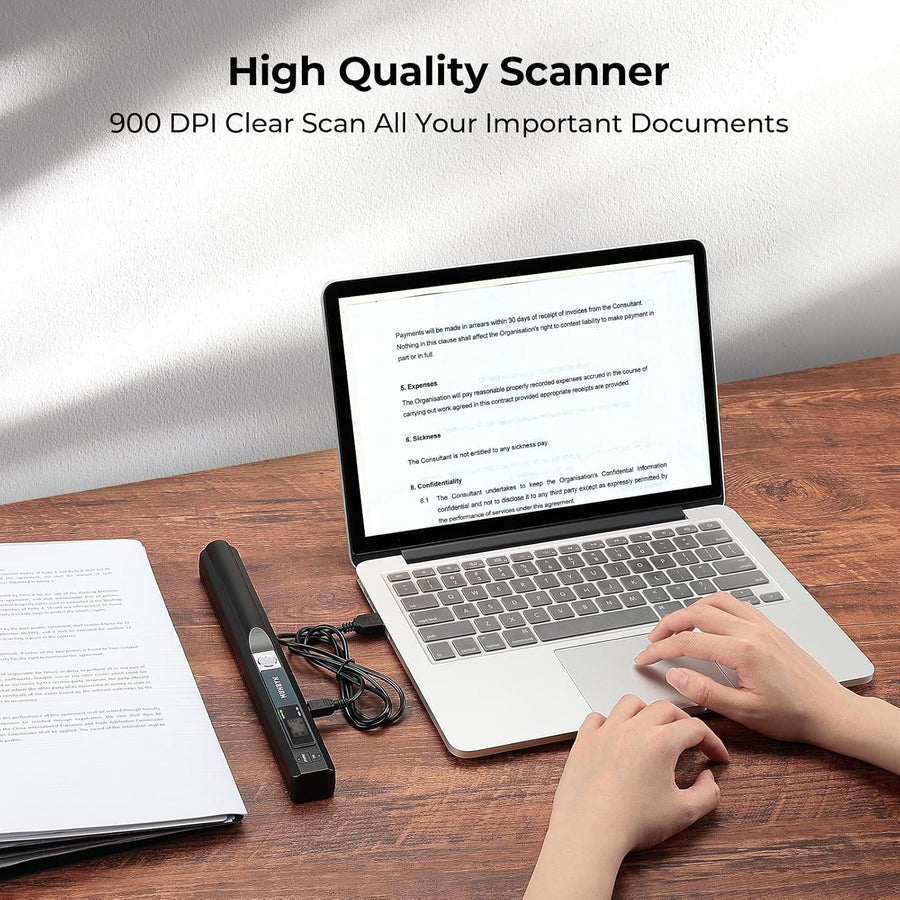
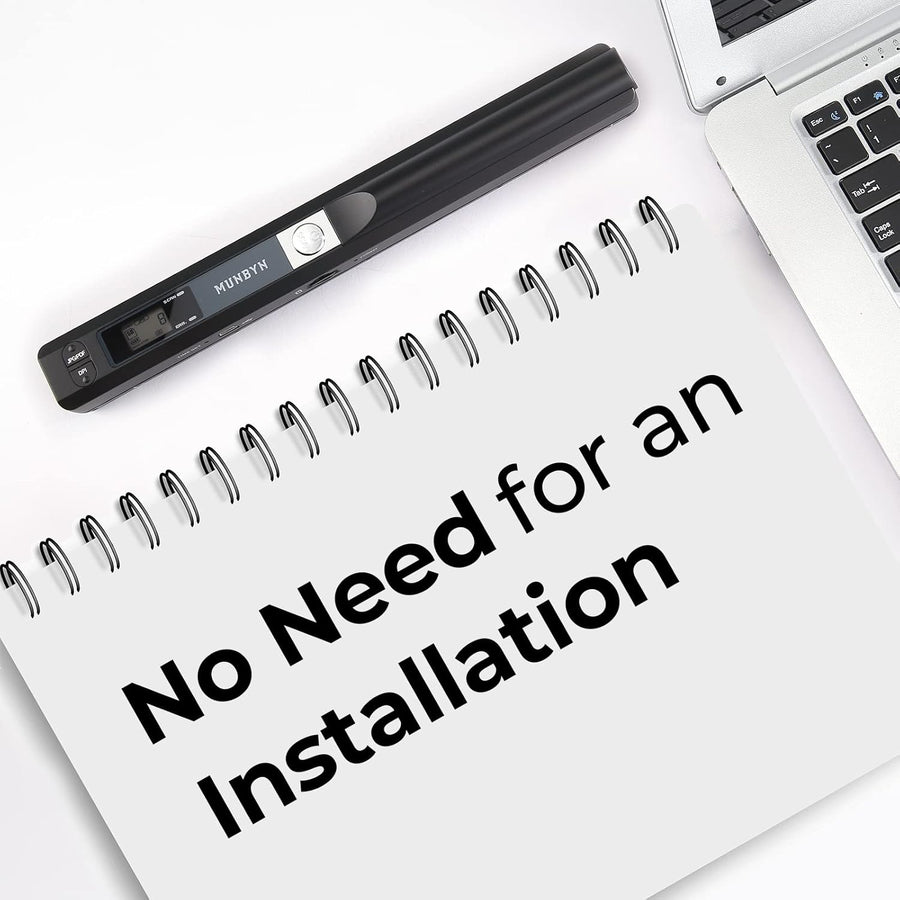
- 【Easy to use--No Driver】Portable Scanner does not require downloading a driver. Easily connect the portable scanner to a computer through a USB cable to transfer your scanned photos or documents anywhere and anytime.
- 【Easy to Digitalize--Clear Image】The highest 900dpi scan resolution can convert pictures, documents, book pages, or other targets into digital files in high clarity.
- 【Easy to Store--16G SD Card】Wand scanner with 16G SD card will store thousands of scan files. With OCR software (you can find some software from Google Play Store), easy to transfer PDF scan files into Word/Excel format and edit them.
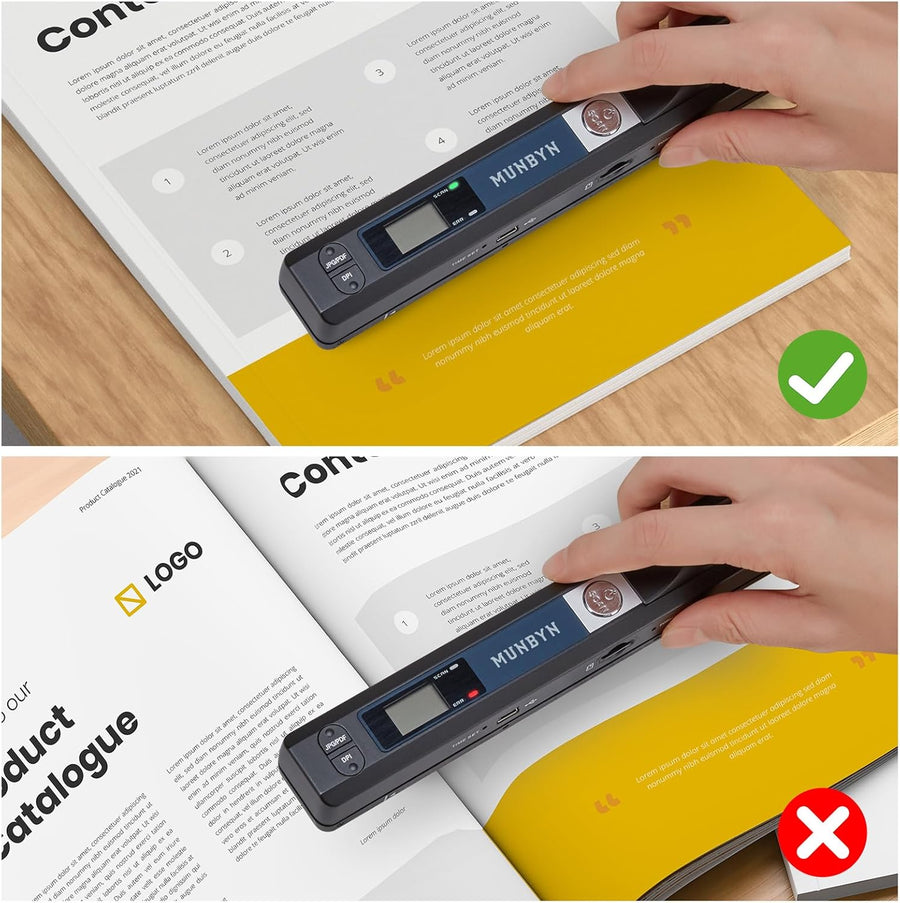
- 【How to scan the paper properly? 】1. Scan on flat paper or books. It cannot be identified in concave and convex places, such as the gaps between the pages of a book. 2. Move to the next new scanning area within 3 seconds. The scanner will automatically finish jobs if you don't move to the new area. 3. The document scanner works properly if the "scan" button lights up; otherwise, the "error" button will light up.
More info
Specifications
- Brand
- MUNBYN
- Connection type
- USB, SD card
- Scanner sensor type
- CIS
- Scanner features
- OCR support
- Power source
- Battery-powered
- Color
- Black
Product details
- Brand
- MUNBYN
- SKU
- K-101559
- Availability
- In stock
The full product description is in the Overview above. Go to overview
Warranty & returns
Warranty is handled by Kherajani Computers.
We offer 14-day returns.
Payment
Cash on Delivery is currently available.
Need help?
Email info@kherajanicomputers.com, or use the WhatsApp button on this page.


